
Video
Video
Wan Animate 2: Motion Transfer
Transfer movement from a source video to a character in a still image.
How to start
- Download the free workflow JSON and drag it onto the ComfyUI canvas.
- Download the weights and put them in the listed folders. Install any missing nodes in ComfyUI.
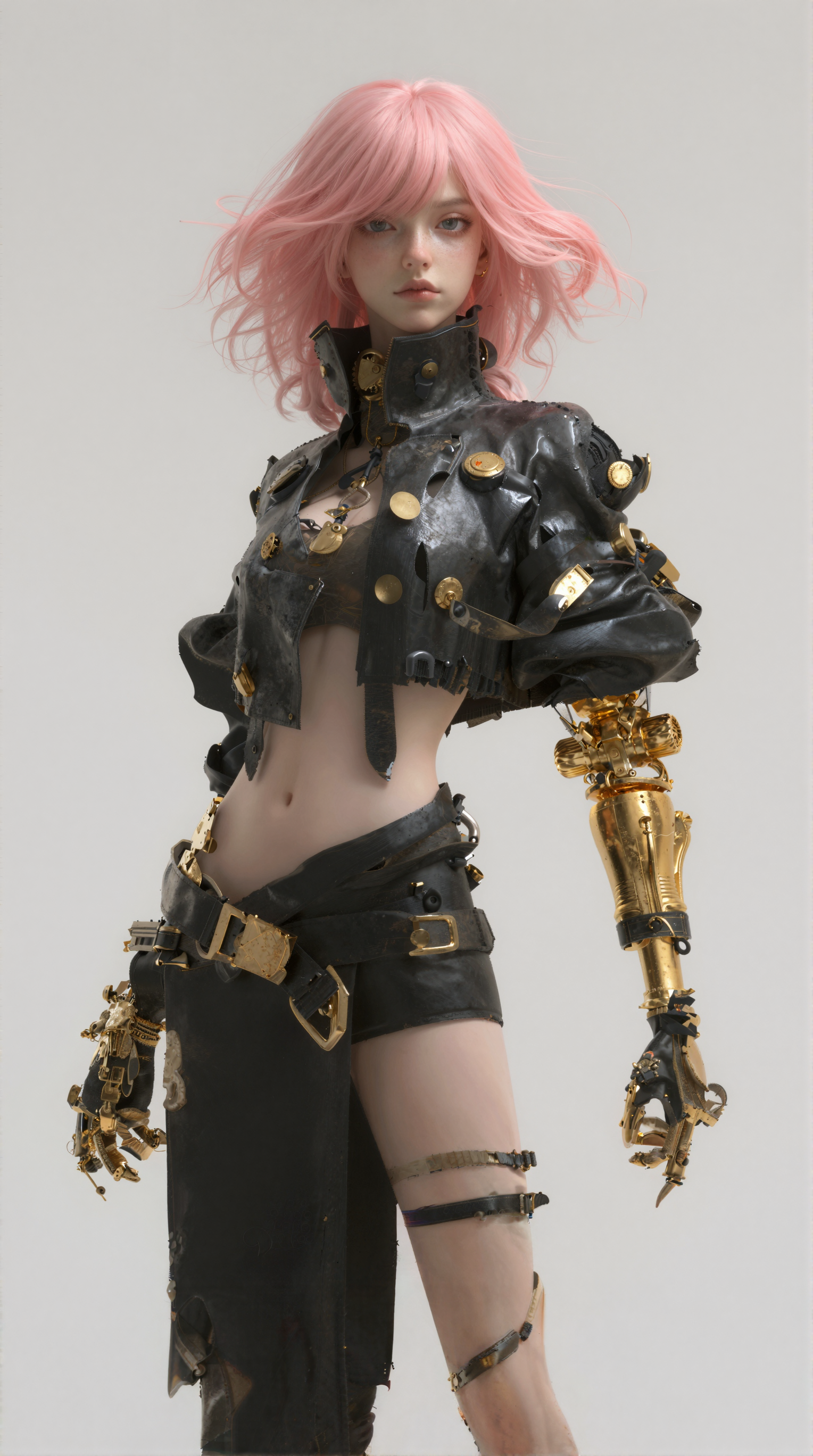
- Load a still image of the character and a driving video with the movement to transfer. Describe the intended scene in the prompt and queue the workflow.
Example input files
These are the filenames loaded by the template. Use the linked files where available, or replace them with your own media.
Model downloads
-
clip_vision_h.safetensors
ComfyUI/models/clip_vision/ -
wan_animate_2_int8_convrot.safetensors
ComfyUI/models/diffusion_models/ -
lightx2v_I2V_14B_480p_cfg_step_distill_rank64_bf16.safetensors
ComfyUI/models/loras/ -
umt5_xxl_fp8_e4m3fn_scaled.safetensors
ComfyUI/models/text_encoders/ -
Wan2_1_VAE_bf16.safetensors
ComfyUI/models/vae/