
Studio
No strong GPU? Rent one with our template and press Open. Pick a workflow, fill a short form and get photos and video. Generate right from your phone, no computer needed.
The free pack works without a membership. The members library opens with your key. No nodes, no setup.
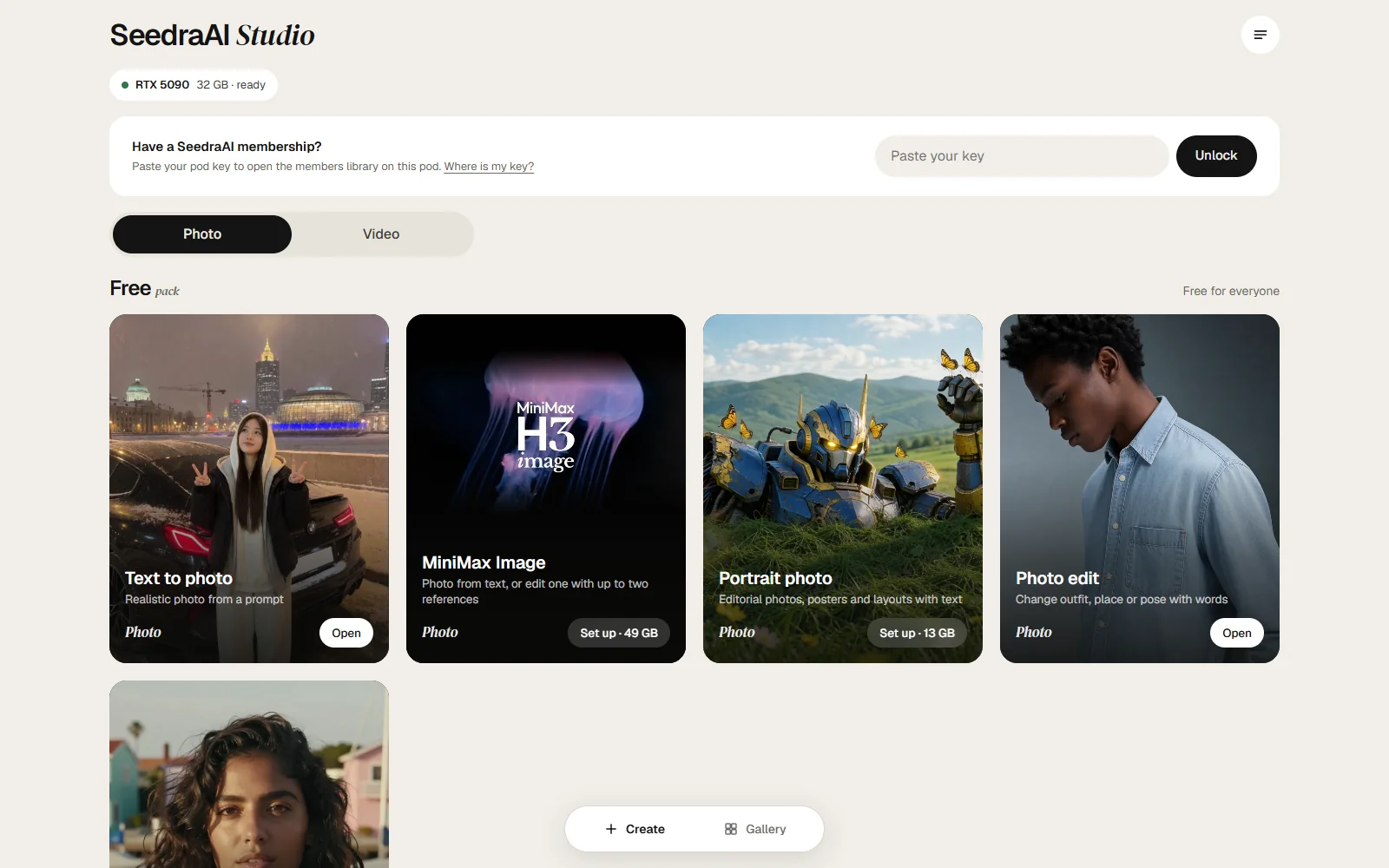
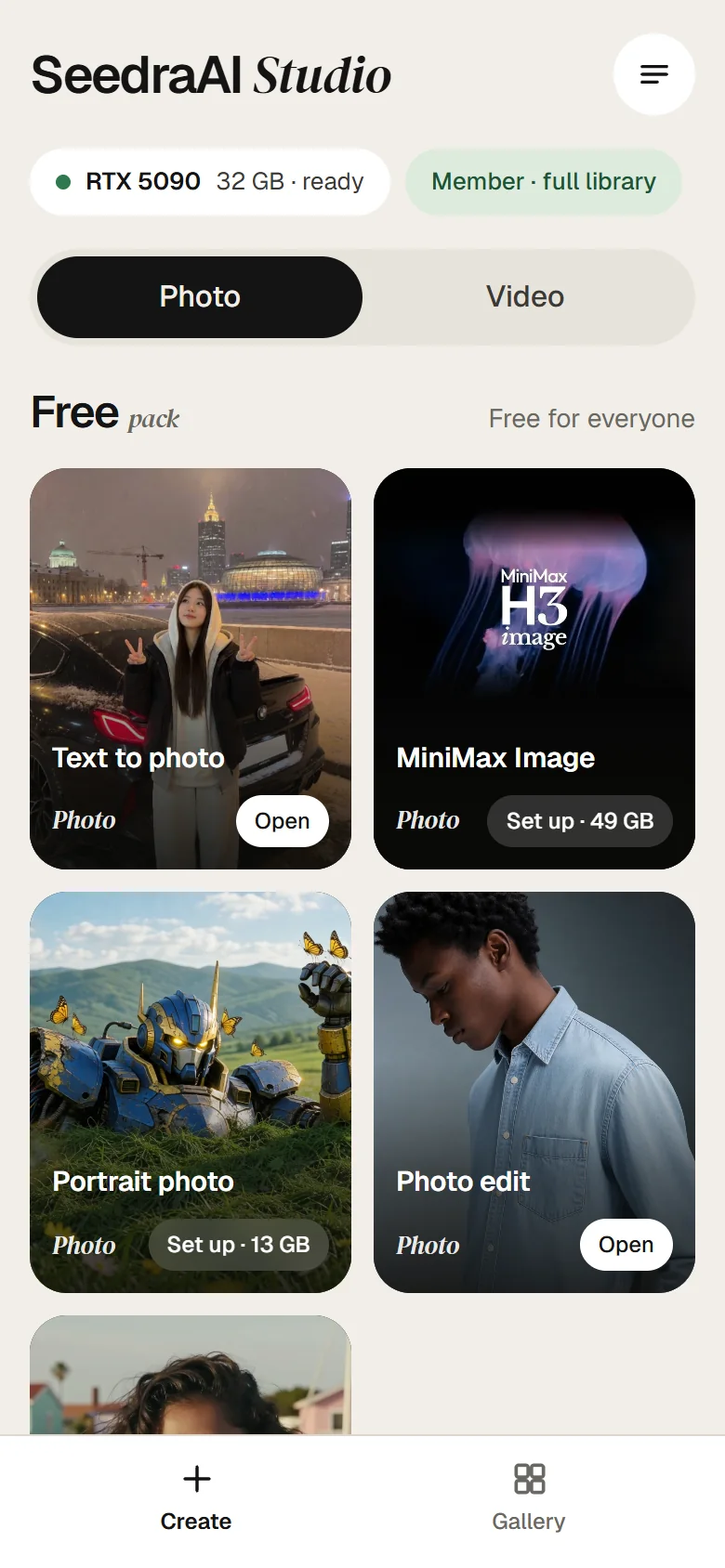
From rent to first photo.
No setup, no nodes, no hunting for model files. Everything runs on your GPU from one simple page.
Rent a GPU with our template
Pick a card on Vast or RunPod. The template only lists cards that run the photo workflows. For video, take a 32 GB RTX 50 card.
Press Open, set up what you need
SeedraAI Studio opens in your browser, on your phone or a computer. Press Set up on a workflow once: it downloads only that workflow's models and checks every file.
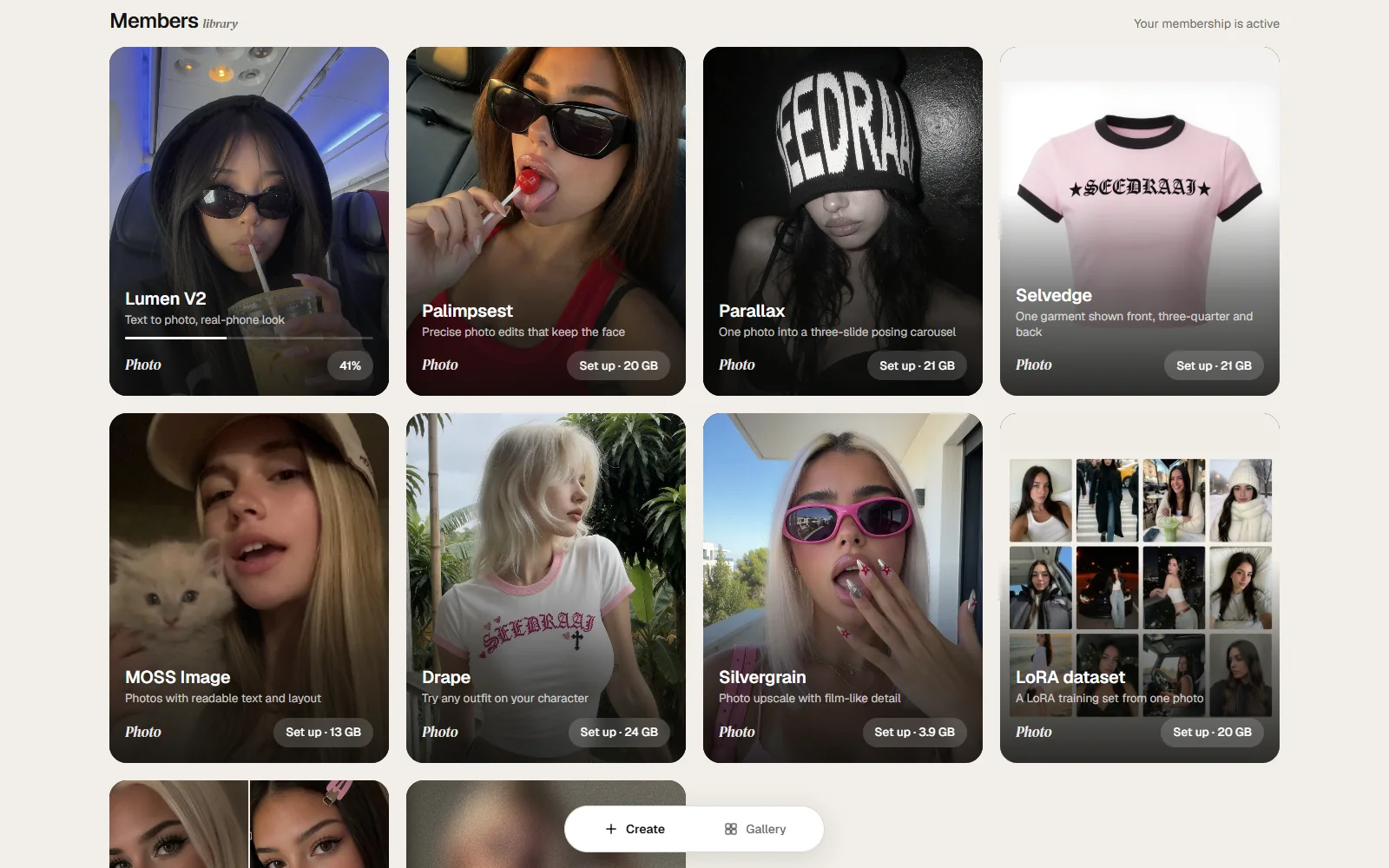
Fill the form and generate
Describe the photo, add your pictures, pick the format and press Generate. Results land in your gallery with one-tap download. Models stay on the pod's disk, so the next start skips the downloads.
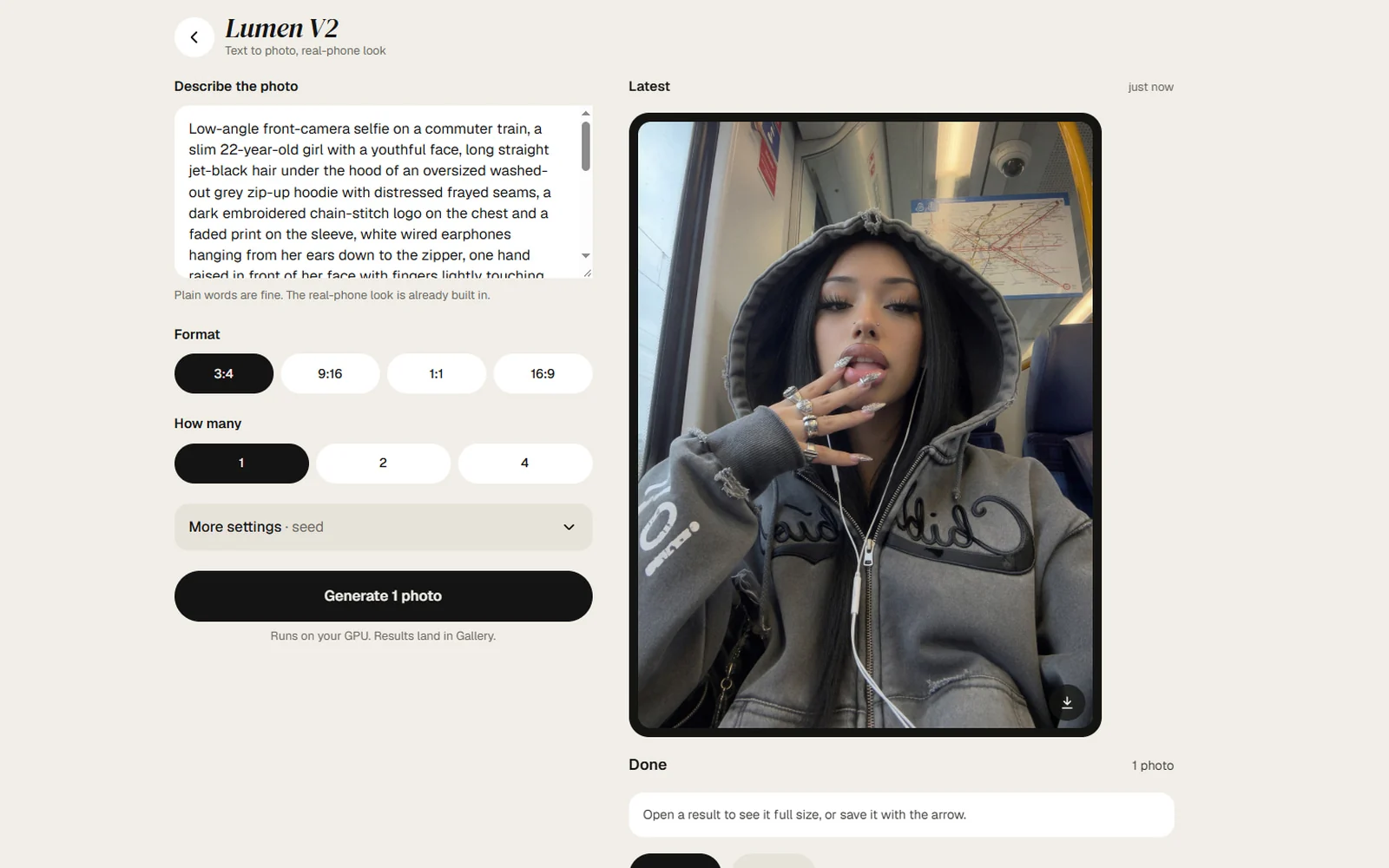
Free to try. Members get it all.
Anyone can run the free pack in the cloud. Paste your pod key and the whole members library opens on the same pod.
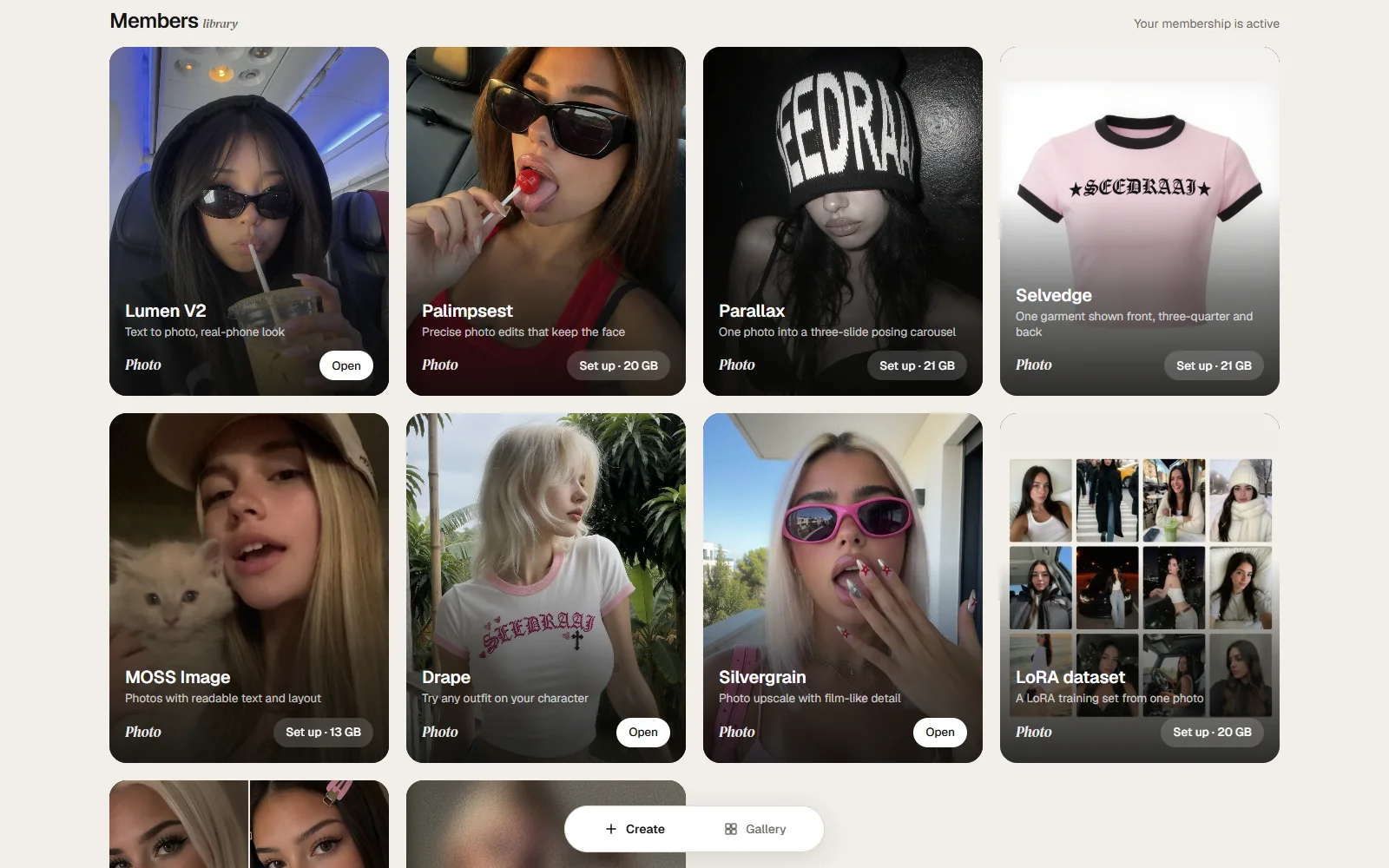
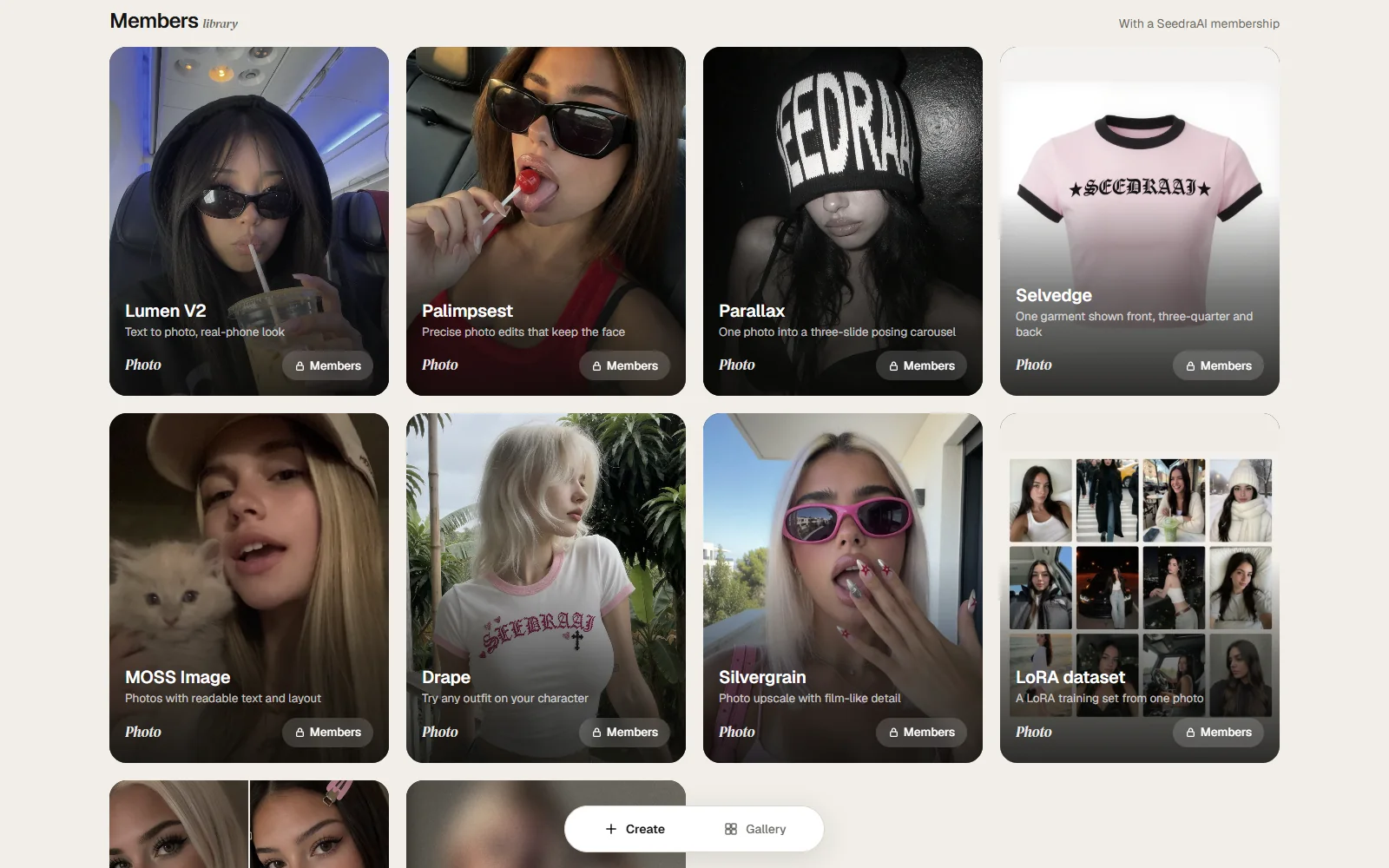 Without a keyWith your key
Free pack
Text to photo, MiniMax Image, portraits, photo edit, image to video and upscales. Free for everyone, no account needed.
Members library
Lumen V2, outfit try-on, face swap, photo edits, carousels, garment views, LoRA datasets, character video, motion transfer and new workflows every month.
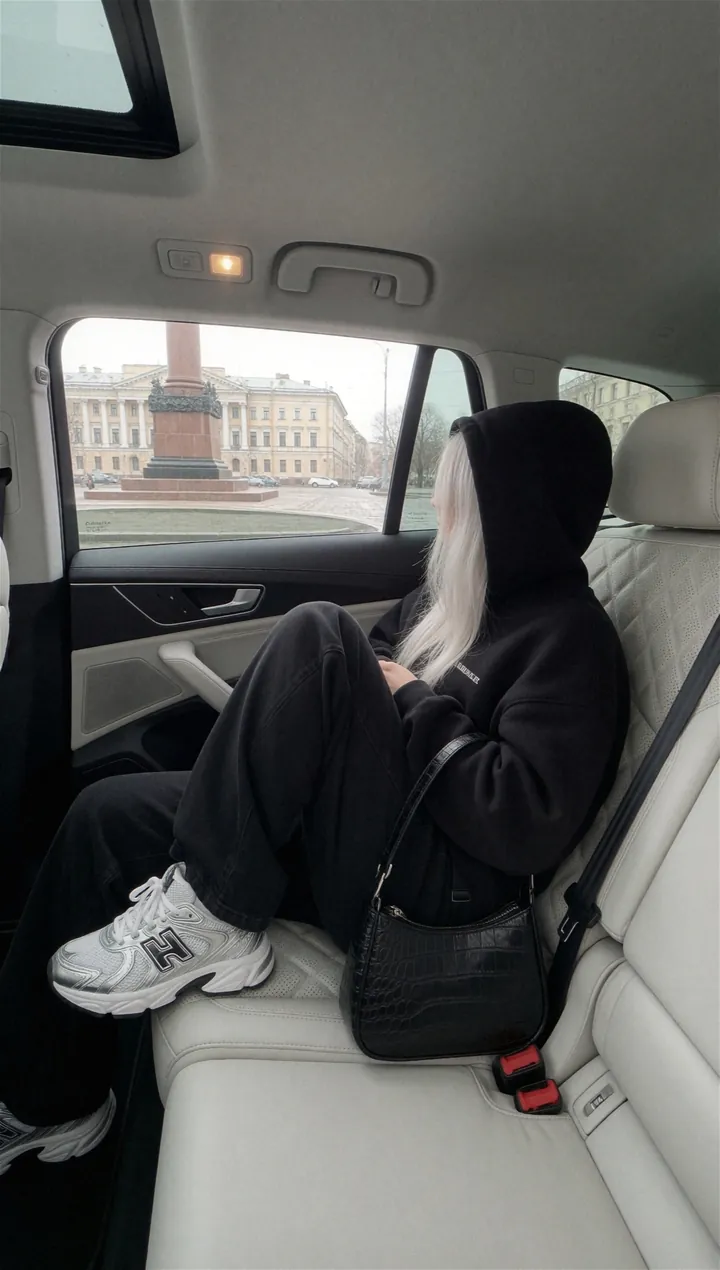
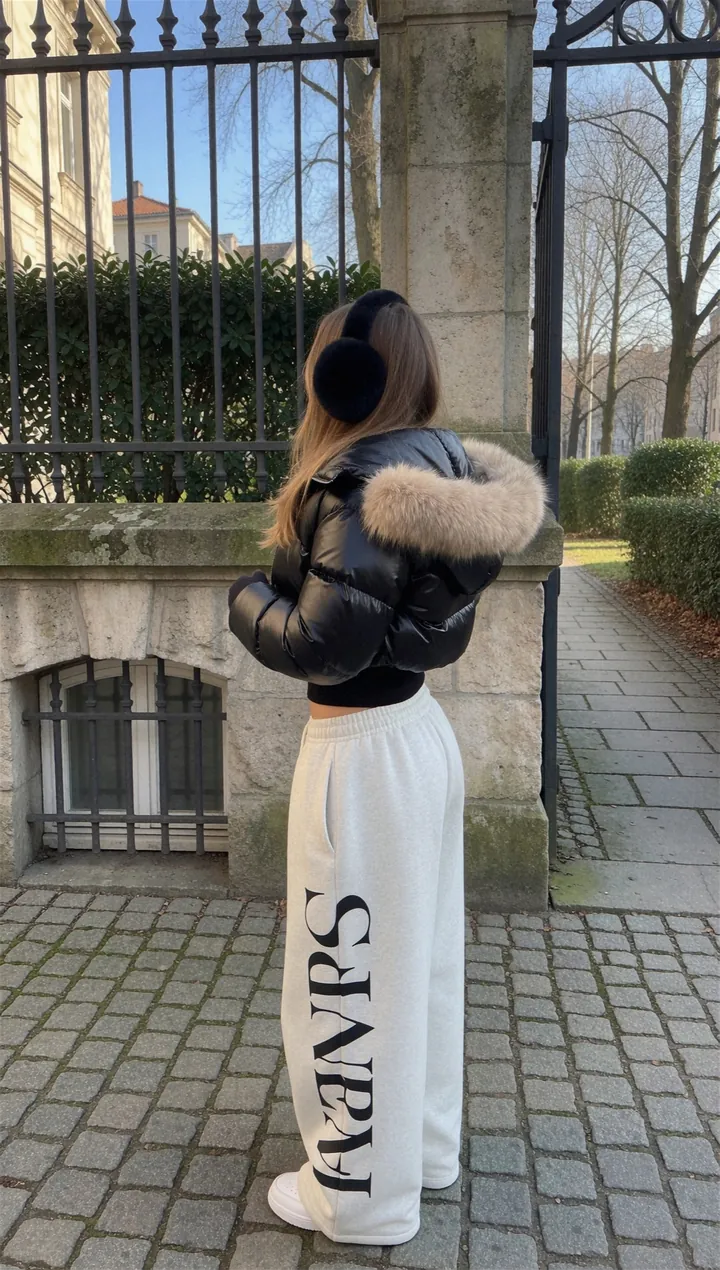
Made with these workflows.
Real outputs from the same workflows you install on the pod.

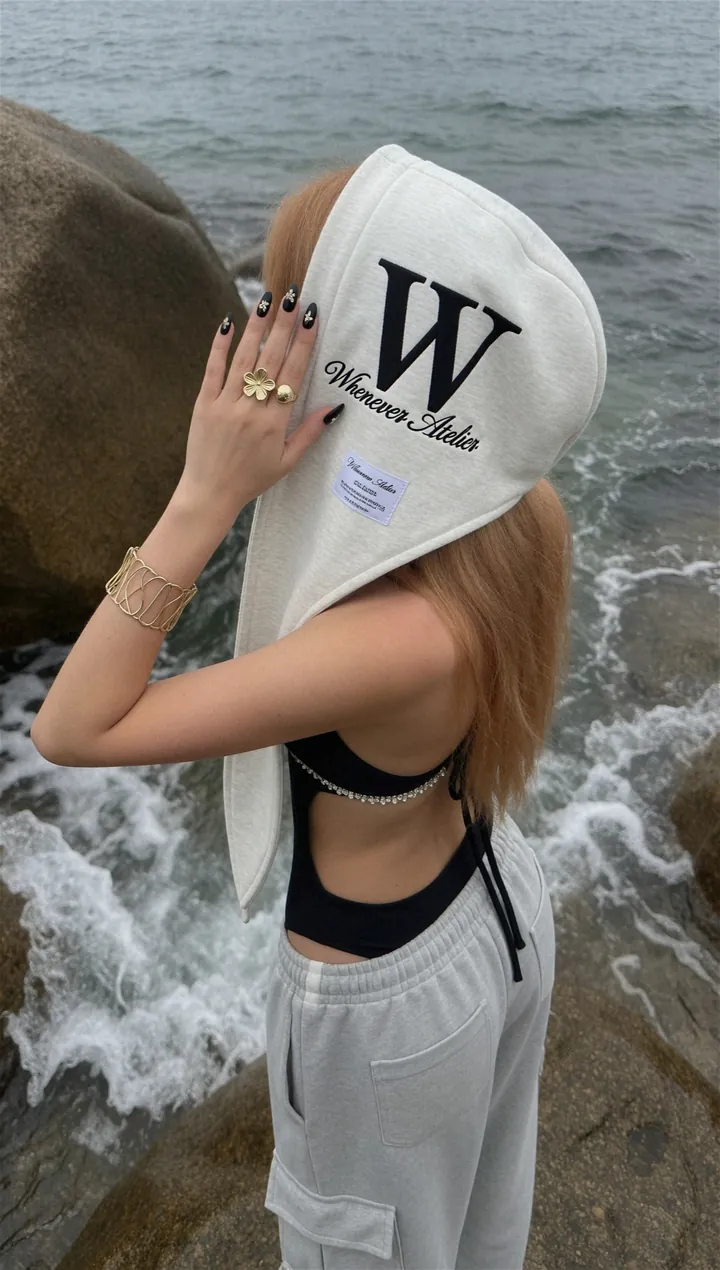
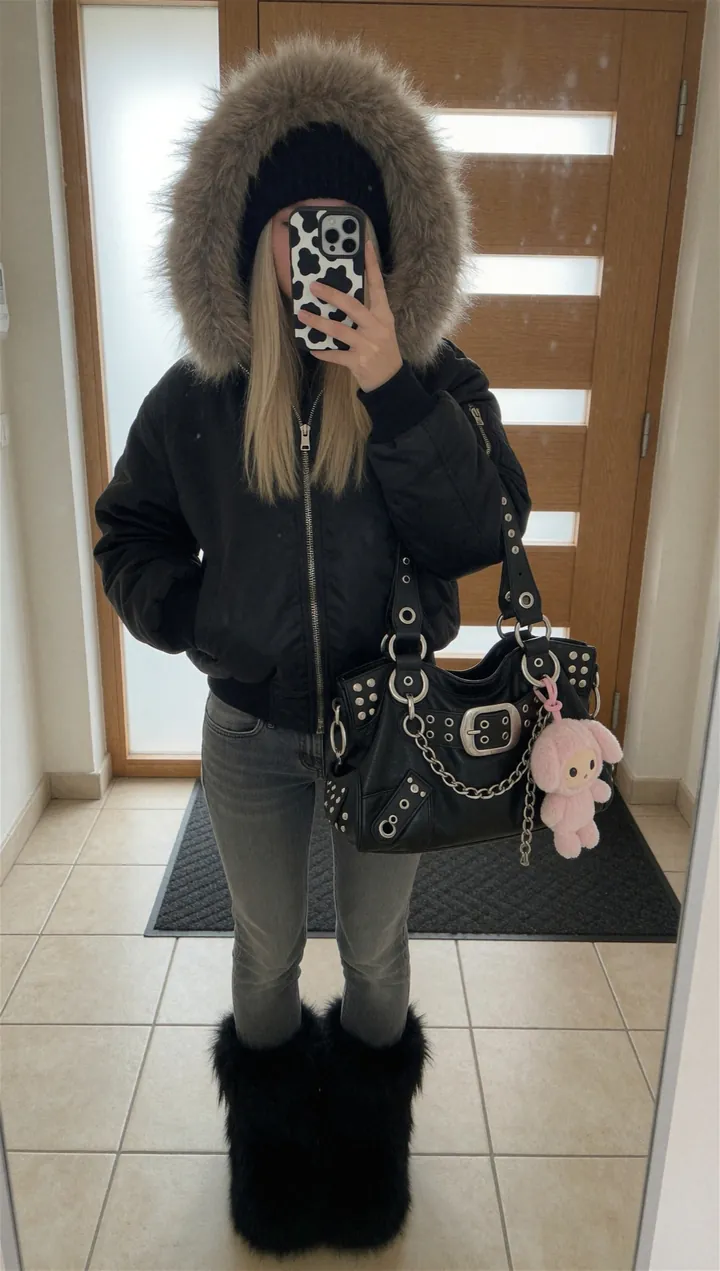

Your key is in your cabinet.
- 1Join SeedraAI and open your cabinet.
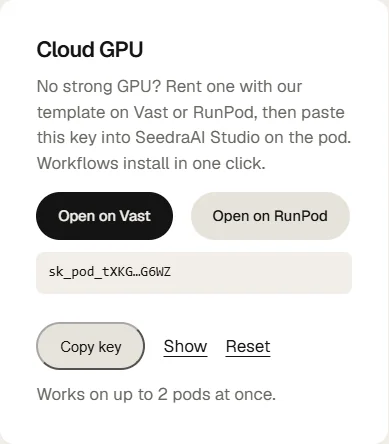
- 2Copy the pod key from the Cloud GPU block.
- 3Paste it into the key card at the top of SeedraAI Studio. No restart needed.
Questions
- Do I need to know ComfyUI?
- No. You never see nodes or graphs. Each workflow is a short form: describe what you want, add your photos, press Generate.
- Can I use it from my phone?
- Yes, everything works from a phone. Rent the GPU and open Studio in your phone's browser. Use Chrome or Safari rather than the browser inside Telegram or the Google app, or Google sign-in on Vast may not work.
- Do I need a membership to use it?
- No. The free pack works for anyone. The members library needs a pod key, which comes with the membership.
- What does it cost?
- You pay Vast or RunPod for GPU time, by the hour. Stop or delete the pod when you finish so it stops billing. The membership is $29 a month on top, only if you want the full library.
- Do I download the models every time?
- No. Models are saved to the pod's disk. If you stop the pod and start it again, everything you installed is still there.
- Can I use my key on several pods?
- Yes, on up to 2 pods at once. You can reset the key in your cabinet at any time; the old one stops working right away.
- Some workflows ask me about files from other authors. Why?
- A few workflows use files that we don't host. The pod shows each author's page and licence and downloads the files from public releases only after you agree.