
Video
Video
MiniMax H3: Reference to Video
Create a video with stereo sound from a prompt and image, video or audio references.
ComfyUI graph

How to start
- Download the free workflow JSON and drag it onto the ComfyUI canvas.
- Download the weights and put them in the listed folders. Install any missing nodes in ComfyUI.
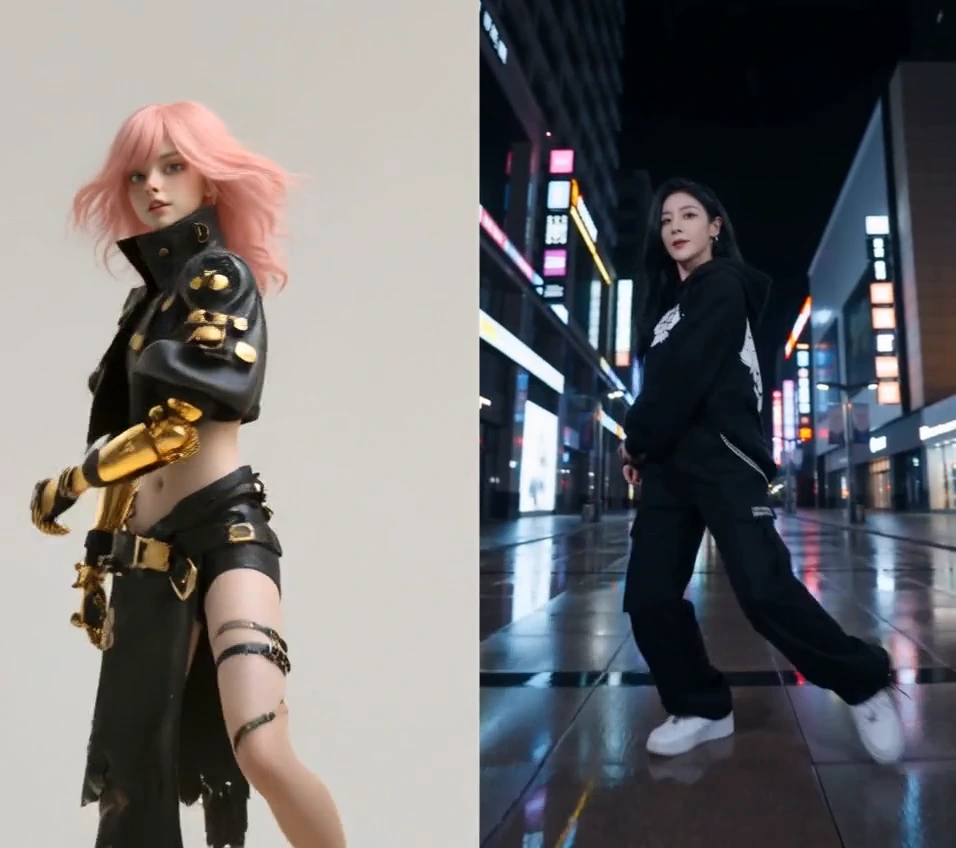
- Load the reference images and describe how each should influence the clip. The sample graph has two image inputs, and the model also supports video and audio references.
Example input files
These are the filenames loaded by the template. Use the linked files where available, or replace them with your own media.
Model downloads
-
minimax_h3_ref2va_pruned_int8_convrot.safetensors
ComfyUI/models/diffusion_models/ -
minimax_h3_ref2v_turbo_4step_v0.1_comfyui_bf16.safetensors
ComfyUI/models/loras/ -
qwen3vl_32b_minimax_h3_nvfp4_awq.safetensors
ComfyUI/models/text_encoders/ -
minimax_h3_audio_vae_fp32.safetensors
ComfyUI/models/vae/ -
minimax_h3_video_vae_int8_convrot.safetensors
ComfyUI/models/vae/