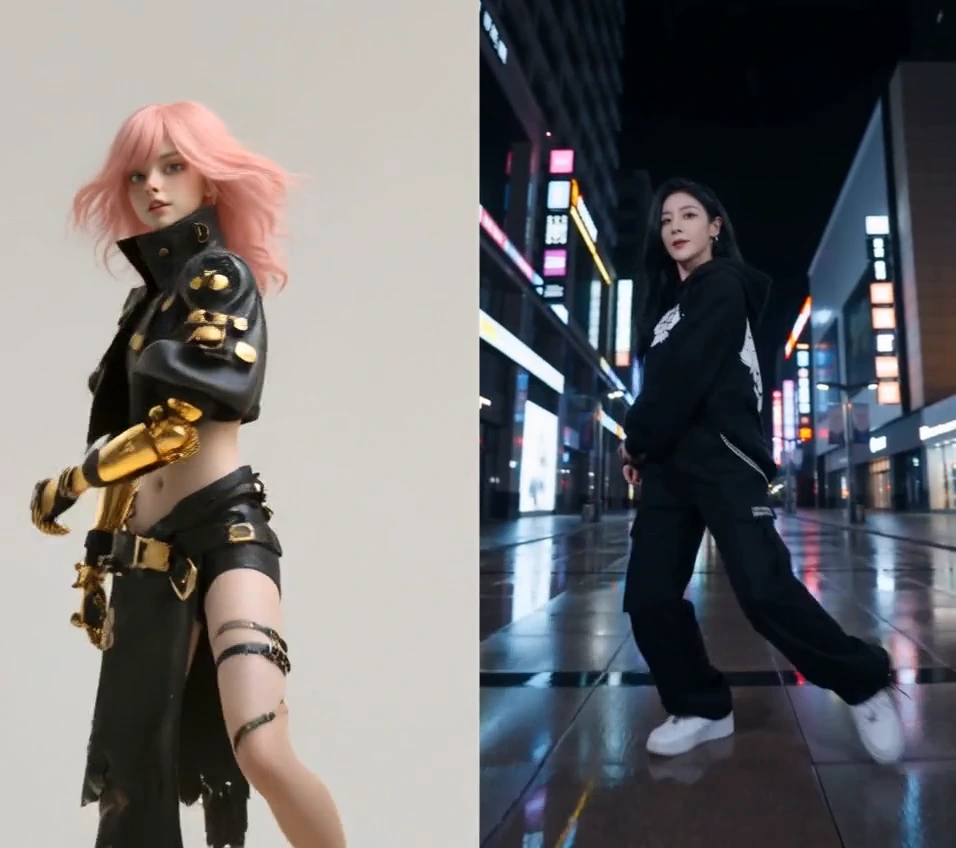

Video
Video
LTX-2.5: First & Last Frame to Video
Use two images as the opening and closing frames of a clip.
How to start
- Download the free workflow JSON and drag it onto the ComfyUI canvas.
- Download the weights and put them in the listed folders. Install any missing nodes in ComfyUI.
- Load the opening and closing images into their corresponding nodes. Use the prompt to describe what should happen between the two frames.
Example input files
These are the filenames loaded by the template. Use the linked files where available, or replace them with your own media.
Model downloads
Sign in to Hugging Face and accept the model terms before downloading. LTX-2.5
-
ltx-2.5-22b-distilled-transformer-comfy-int8-convrot.safetensors
ComfyUI/models/diffusion_models/ -
gemma4-12b-with-proj-ltx-2.5-comfy-int8-convrot.safetensors
ComfyUI/models/text_encoders/ -
gemma4_e2b_it_int8_convrot.safetensors Optional for Prompt Enhancer
ComfyUI/models/text_encoders/ -
ltx-2.5-audio-vae-bf16.safetensors
ComfyUI/models/vae/ -
ltx-2.5-video-vae-bf16.safetensors
ComfyUI/models/vae/