
Image generation
Image generation
MiniMax H3 Image: Generate & Edit
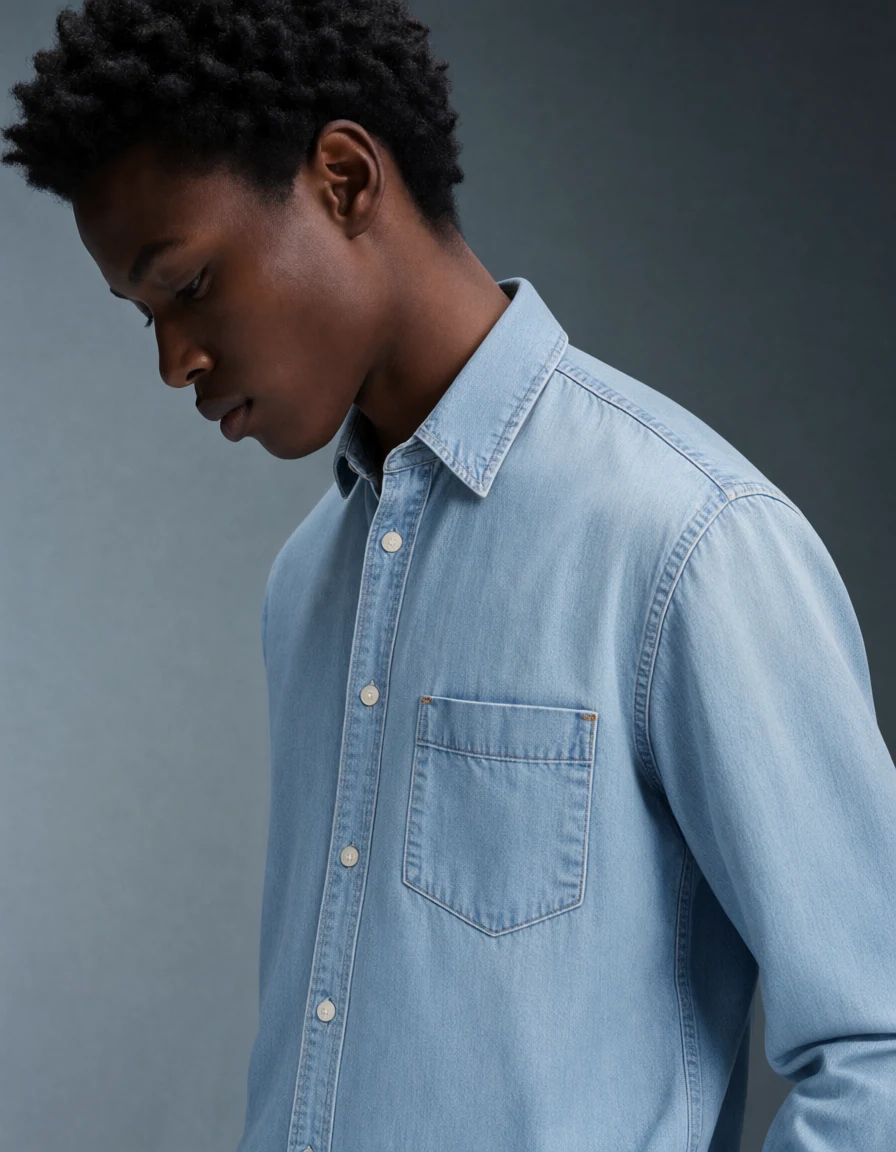
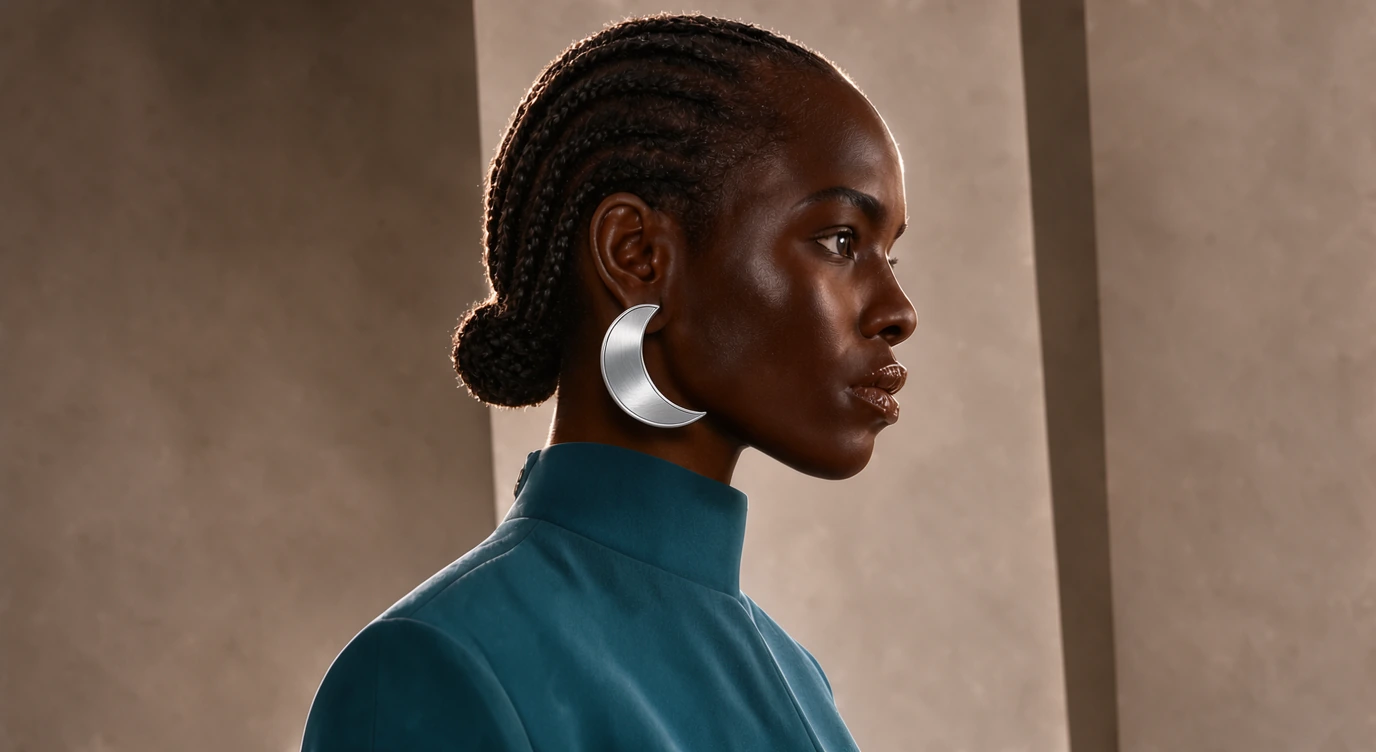
Generate images in six steps or edit a photo using a prompt and up to two image inputs. Runs locally in ComfyUI.
ComfyUI graph

How to start
- Download the free workflow JSON and drag it onto the ComfyUI canvas.
- Download the weights and put them in the listed folders. Install any missing nodes in ComfyUI.
- For text to image, write a prompt and choose a size in Resolution. For editing, enable Picture 1 with Ctrl+B and load the source photo. To add a reference, enable Picture 2. Use <Picture 1> and <Picture 2> in your instruction.