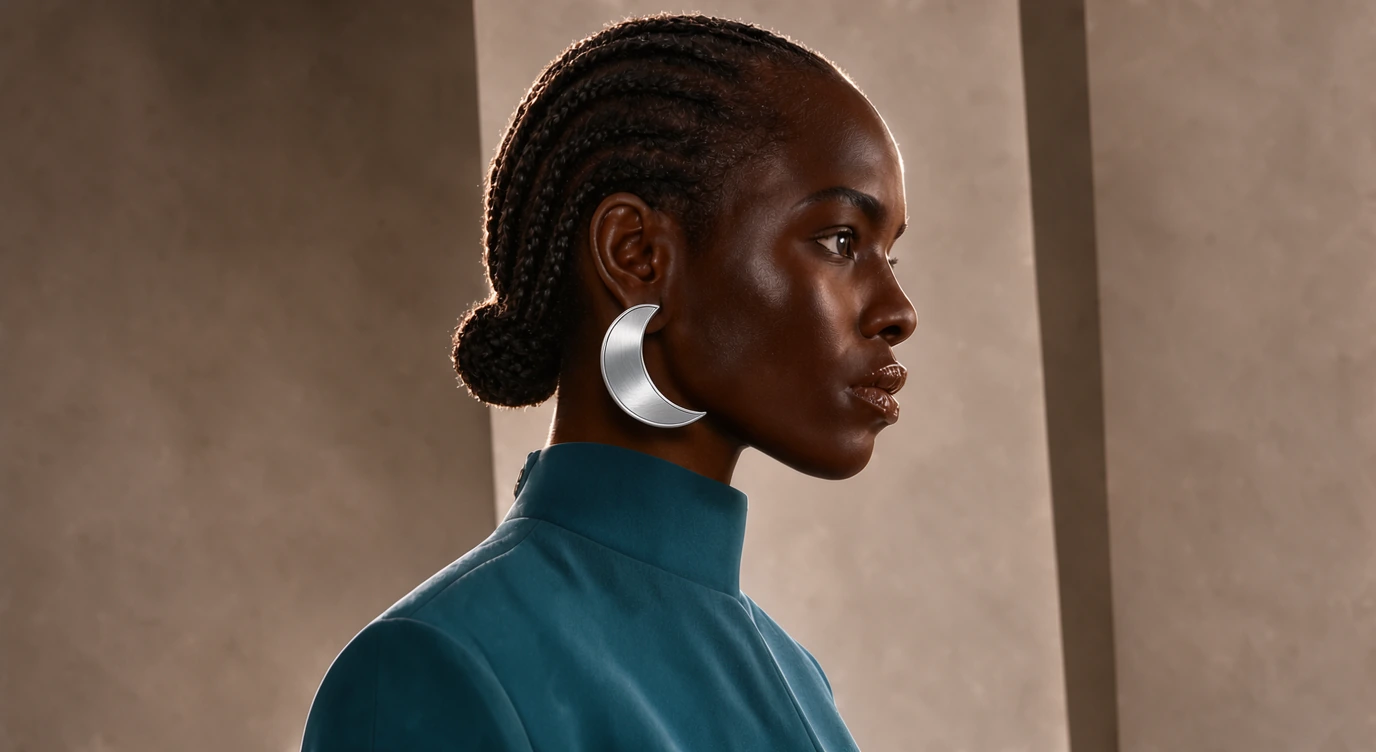
Image editing
Image editing
Qwen Image 2.1: Image Edit
Edit an image with a text prompt and use reference images to guide the result.
How to start
- Download the free workflow JSON and drag it onto the ComfyUI canvas.
- Download the weights and put them in the listed folders. Install any missing nodes in ComfyUI.
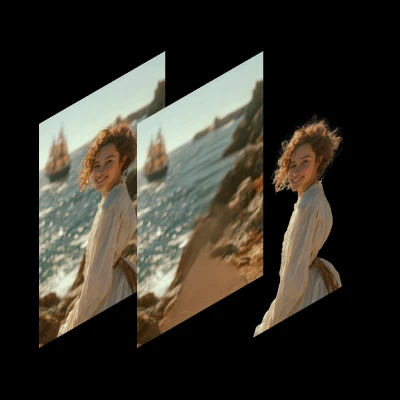
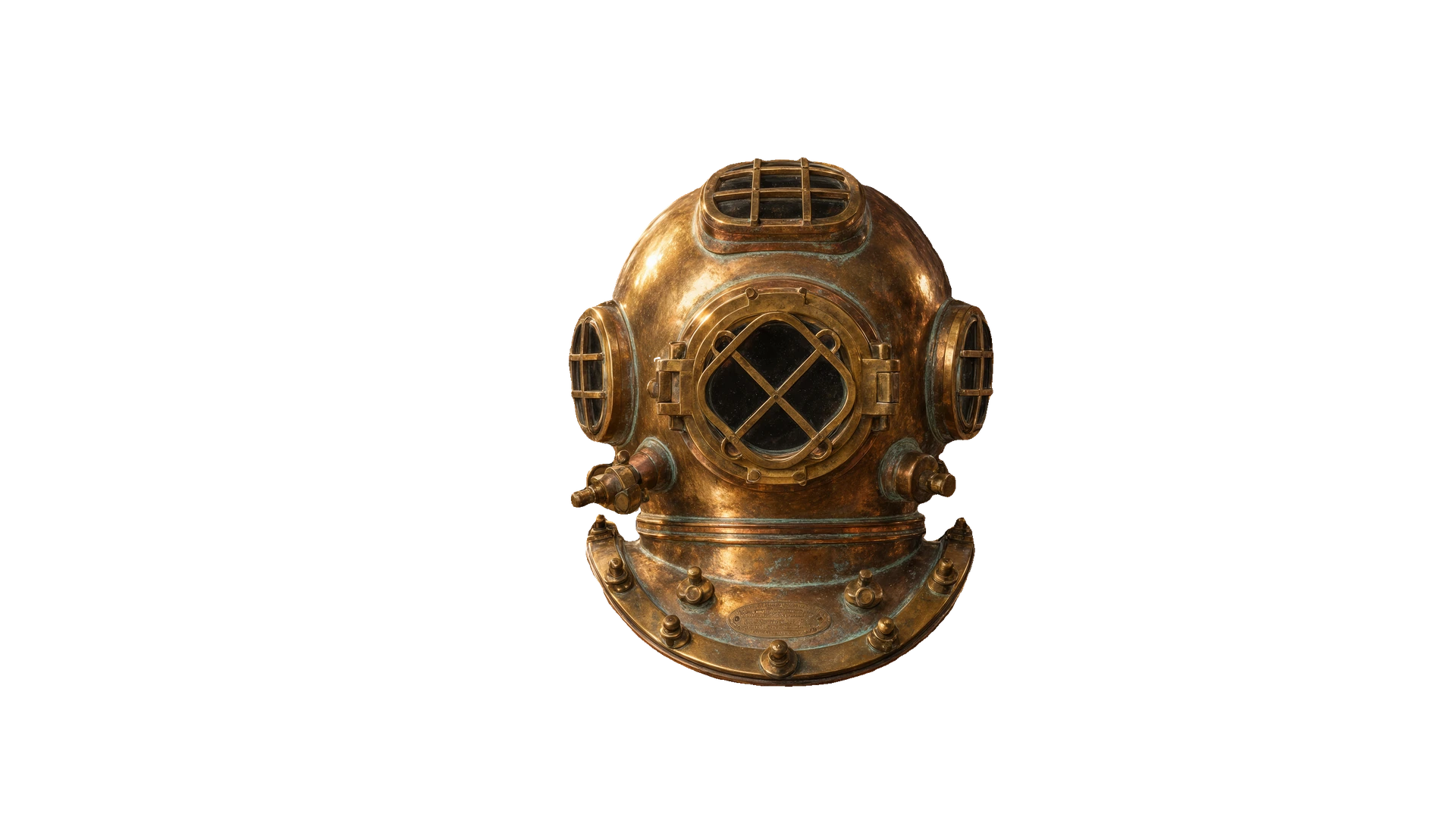
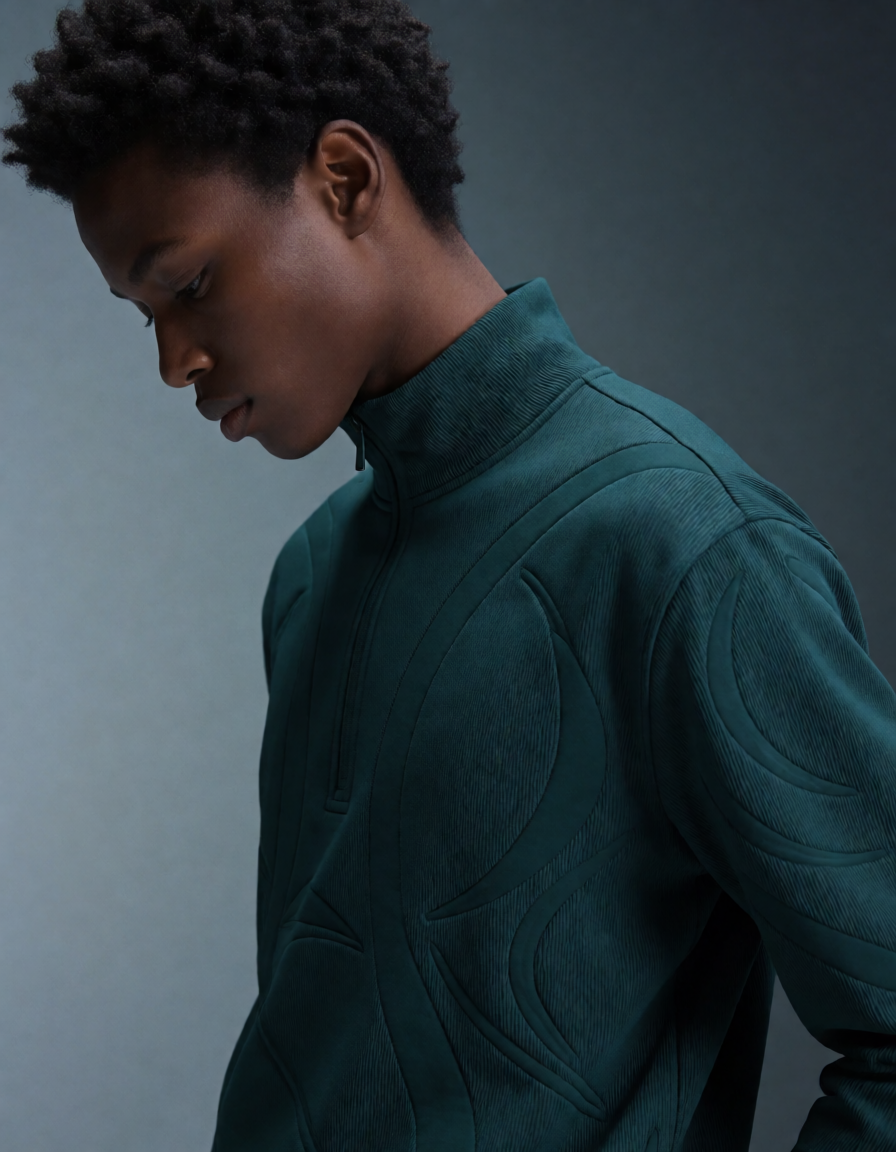
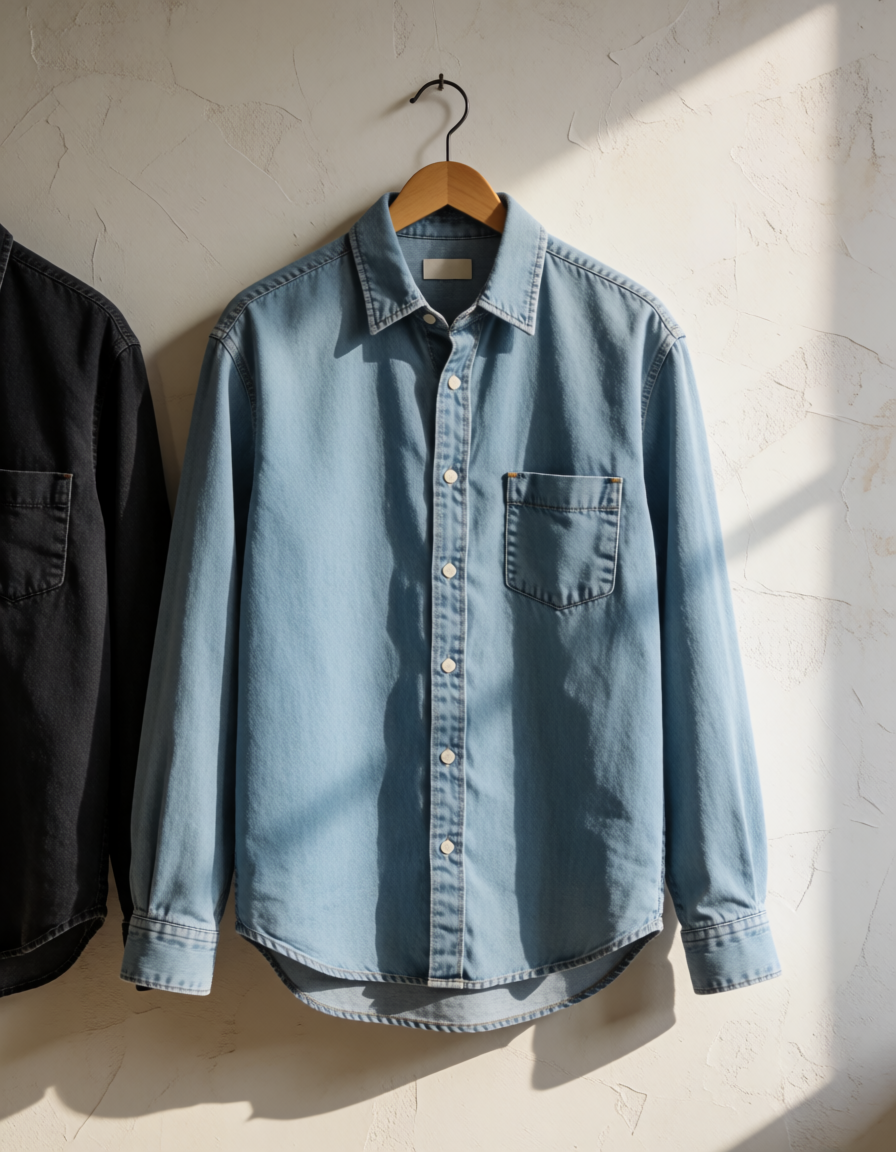
- Load the image to edit in the first image input. Add the garment or another reference in the next input and describe how it should be used in the edit.
Example input files
These are the filenames loaded by the template. Use the linked files where available, or replace them with your own media.