Image generation
Image generation
Krea 2 Turbo: Text to Image
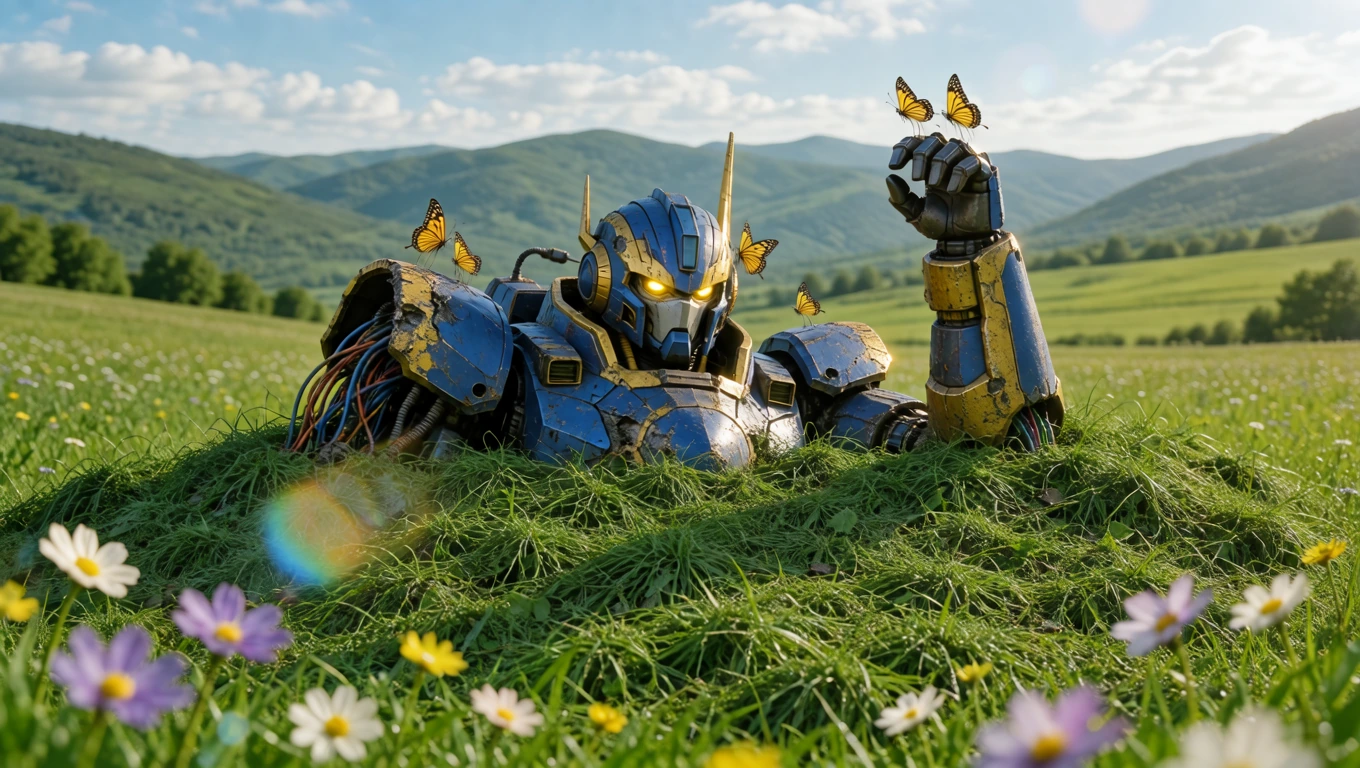
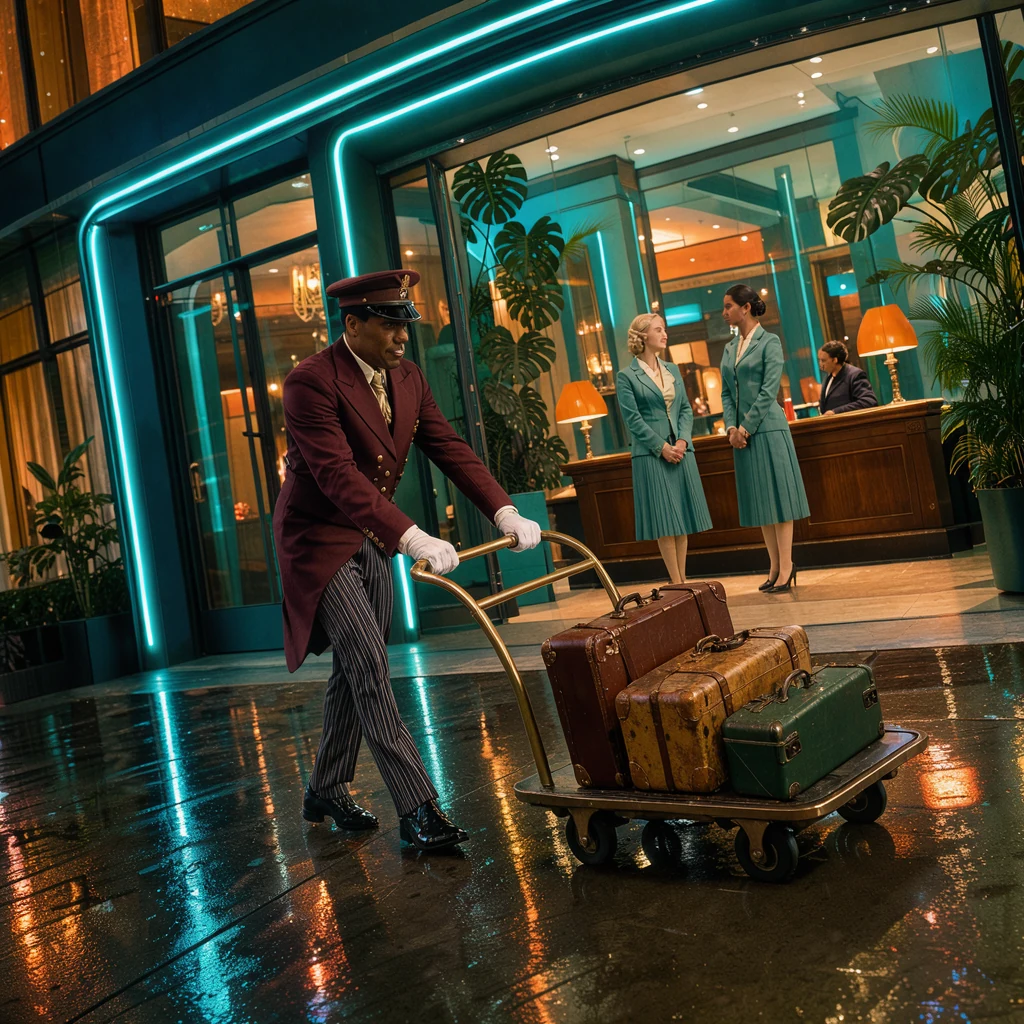
Generate stylized images or photorealistic shots from a prompt in eight steps.
ComfyUI graph

How to start
- Download the free workflow JSON and drag it onto the ComfyUI canvas.
- Download the weights and put them in the listed folders. Install any missing nodes in ComfyUI.
- Enter a text prompt and select an aspect ratio in ResolutionSelector. If you use a style LoRA, select it in the workflow before running the graph.