
Image editing
Image editing
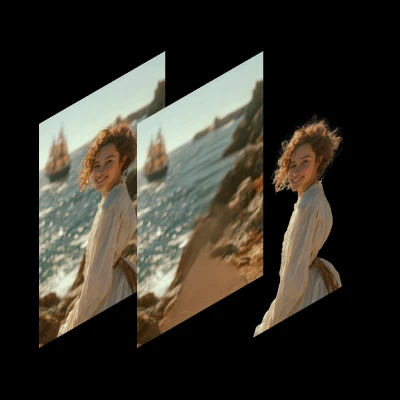
SAM 3: Remove Background
Select a subject using a text prompt and remove the background.
How to start
- Download the free workflow JSON and drag it onto the ComfyUI canvas.
- Download the weights and put them in the listed folders. Install any missing nodes in ComfyUI.
- Load an image and enter a short text label for the subject to isolate. Check MaskPreview to see which parts of the image were selected.
Example input files
These are the filenames loaded by the template. Use the linked files where available, or replace them with your own media.