Image editing
Image generation
FLUX 3 Klein Distilled: Text to Image
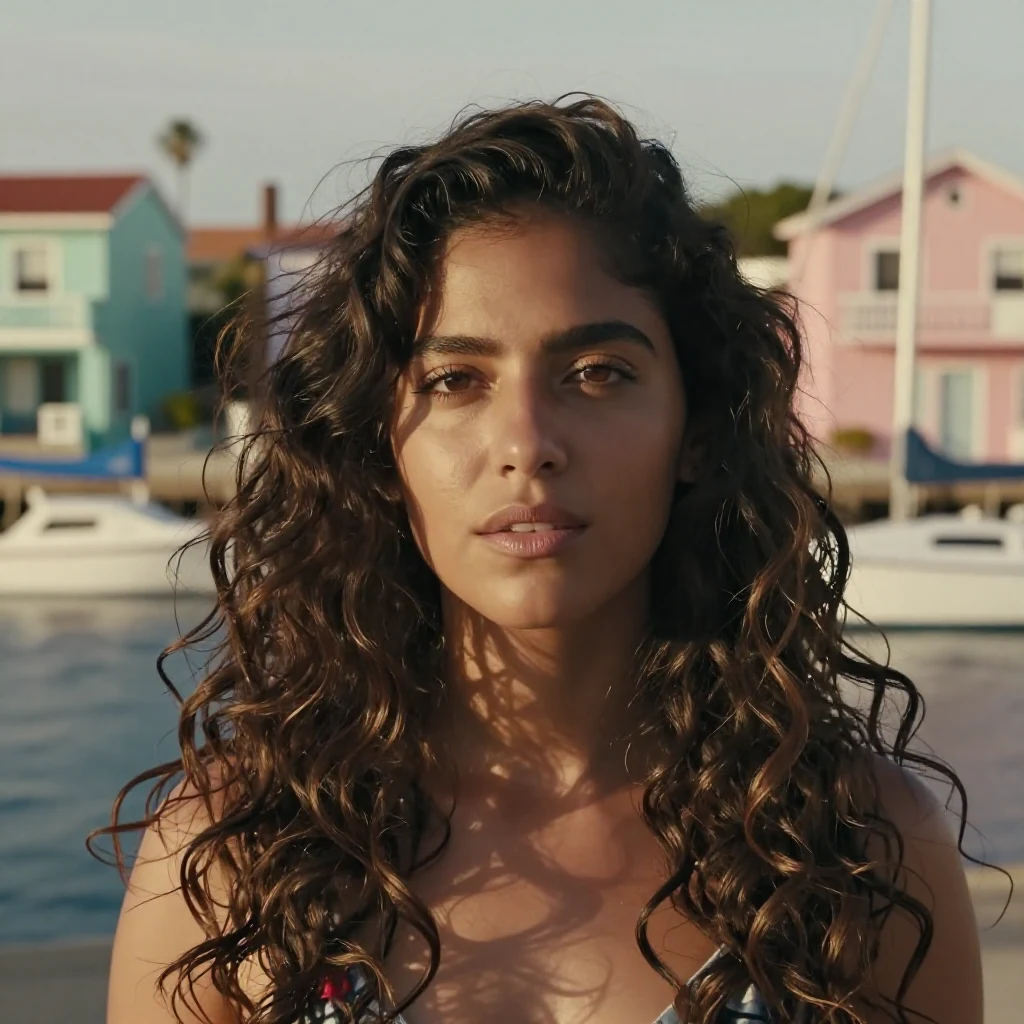
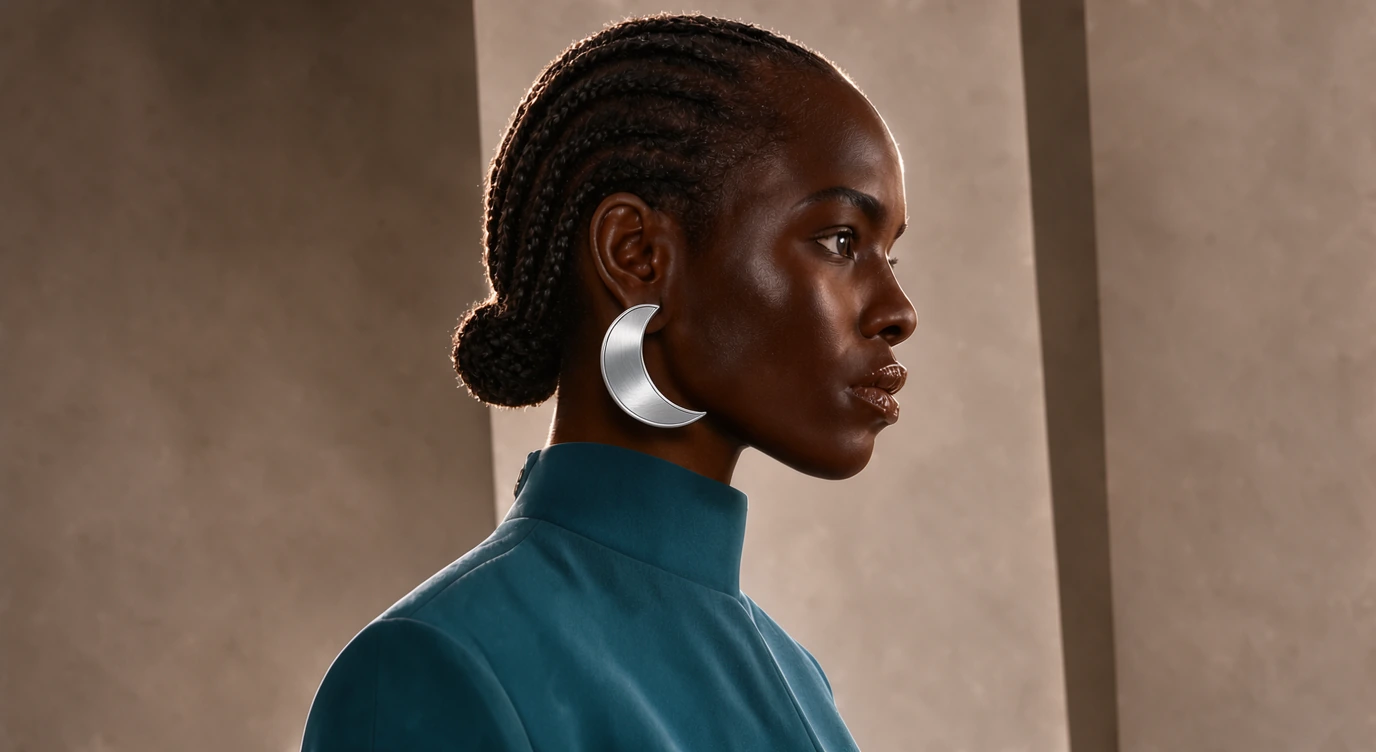
Create an image from a text prompt using the distilled FLUX 3 Klein model.
How to start
- Download the free workflow JSON and drag it onto the ComfyUI canvas.
- Download the weights and put them in the listed folders. Install any missing nodes in ComfyUI.
- Enter a prompt describing the scene, lighting and composition. Choose an aspect ratio in ResolutionSelector, then queue the graph to save the generated image.
Model downloads
Sign in to Hugging Face and accept the model terms before downloading. FLUX 3 Image Klein